ai-automation
Automation Tools for Small Business: 13 We Tested in 2026 (Ranked by Use Case)
Introduction
Automation tools for small business are software platforms that handle repetitive work — sending follow-up emails, routing leads, processing invoices, replying to customers, updating spreadsheets — without a human touching the task. In 2026, the category has split into off-the-shelf SaaS (Zapier, HubSpot, Mailchimp) and AI-native platforms (Lindy, Bardeen, Intercom Fin) that handle steps requiring judgment, not just rules.
We tested 13 automation tools across six categories that small businesses actually use day-to-day. Each tool gets an honest take on what it does well, where it falls short, and which alternative to consider. At the end: how to decide which one fits your business — and what to do when none of them quite work.
This guide was researched and written by Plinthio. We build custom AI automation workflows for small businesses every week, and use most of these tools in our own daily operations.
What Are Automation Tools for Small Business?
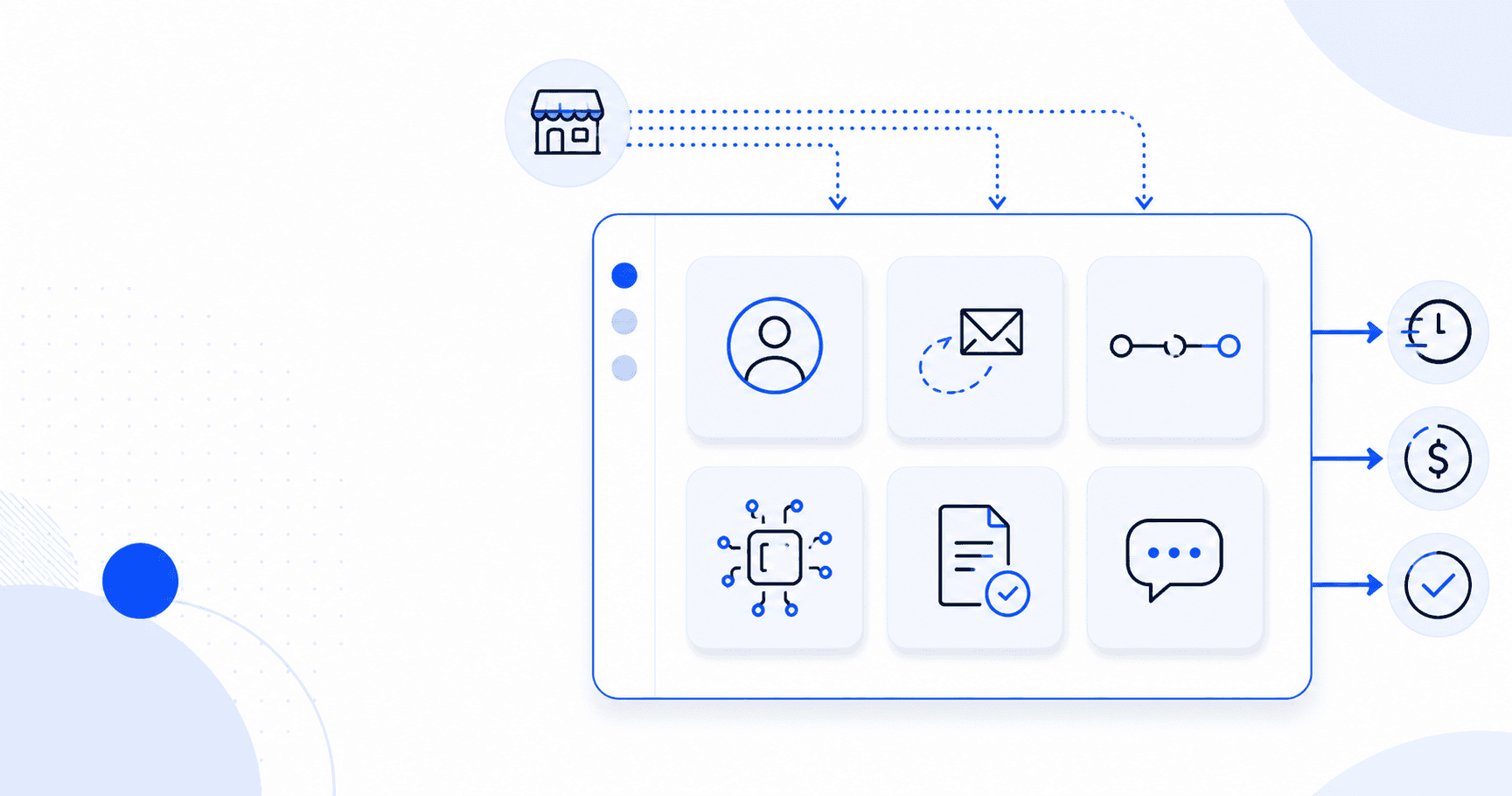
Automation tools for small business are software platforms that execute repetitive tasks automatically based on triggers or rules. They reduce manual work across six common areas:
- Customer relationship management (CRM) — capturing leads, sending follow-ups, tracking deals
- Marketing automation — email campaigns, social media posts, lead nurture sequences
- Workflow integration — connecting apps so data flows automatically between them
- AI agents — handling tasks that require interpretation (categorizing emails, drafting responses)
- Accounts payable and finance — processing invoices, approvals, expense reports
- Customer support — answering common questions, routing tickets, sending status updates
Most small businesses use 3–5 automation tools in combination — not one platform that does everything. Trying to force every process into a single tool usually means accepting one vendor's mediocre version of three other tools.
How We Evaluated These Tools
We looked at four things for each tool below:
- Realistic pricing for a small business (under 50 employees)
- Time to first working automation — how quickly you can get value
- What breaks at scale — every tool has a ceiling; better to know upfront
- Integration with your existing stack — the tool is only useful if it connects to where your data lives
We've used most of these tools either personally, in Plinthio's own operations, or while building custom automations for clients in 2024–2026. Where we haven't used a tool directly, we say so.
The 13 Best Automation Tools for Small Business in 2026
CRM & Sales Automation
1. HubSpot CRM
The default starting point for most small businesses. The free CRM is genuinely usable; paid Sales Hub and Marketing Hub add automation features (sequences, workflows, lead scoring).
- Best for: companies that want one platform and will live in it long-term
- Pricing: Free CRM; Sales Hub Starter from ~$20/mo per seat; Marketing Hub from ~$20/mo for 1,000 contacts
- Limitation: gets expensive fast once you hit contact limits. The "free" CRM pulls you into the upgrade funnel within 6–12 months
2. Keap
Built specifically for small businesses, with CRM + marketing automation + payments + invoicing in one. Heavy following among service-based businesses — coaches, consultants, small agencies, real estate.
- Best for: solo operators and small service businesses that want everything in one place
- Pricing: from ~$159/mo for Lite
- Limitation: pricier than alternatives, and the UI shows its age. Best if you're committed to the all-in-one approach
Marketing Automation
3. Mailchimp
Still the most widely-used email marketing tool for small business. Free up to 500 contacts. Automation builder handles drip campaigns, abandoned-cart flows, and basic conditional logic. Now owned by Intuit, so deeper QuickBooks integration.
- Best for: businesses that primarily need email automation and a simple landing page
- Pricing: free up to 500 contacts; Essentials from $13/mo
- Limitation: pricing escalates fast above 5K contacts; weaker on SMS and advanced workflows than Brevo or ActiveCampaign
4. Brevo (formerly Sendinblue)
Email + SMS + WhatsApp + basic CRM at significantly lower price points than Mailchimp. Free plan includes 300 emails per day with no contact limit.
- Best for: budget-conscious small businesses that want marketing automation features without enterprise pricing
- Pricing: free tier; Starter from $9/mo
- Limitation: smaller template library; integrations less mature than Mailchimp's
Workflow Automation
5. Zapier
The default workflow automation tool. Connects 7,000+ apps. If you've ever heard of "automating something between two apps," Zapier was probably the suggestion.
- Best for: simple linear automations (when X happens in App A, do Y in App B)
- Pricing: free (100 tasks/month); paid from $20/mo
- Limitation: pricing scales with task count, not workflow complexity. Complex multi-step logic gets expensive quickly compared to Make or n8n
6. Make (formerly Integromat)
Visual workflow builder with more powerful logic than Zapier — branching paths, error handling, conditional routes, iterators. Cheaper at scale than Zapier.
- Best for: businesses with complex workflows that need conditional logic or data transformation
- Pricing: free (1,000 operations/month); paid from $9/mo
- Limitation: steeper learning curve than Zapier. Operations-based pricing penalizes high-frequency workflows (every action consumes an operation)
7. n8n
Open-source workflow automation, self-hostable for free or cloud-hosted from $20/mo. Developer-friendly: you can write custom JavaScript inside workflow nodes.
- Best for: companies that want full control of their automation infrastructure or want to avoid per-task fees at scale
- Pricing: free if self-hosted; cloud from $20/mo
- Limitation: requires technical setup if self-hosting; smaller integration library than Zapier
AI-Powered Automation
8. Lindy.ai
Builds AI agents that handle full workflows — sales outreach, scheduling, inbox triage, meeting prep. Different from Zapier in that the agent uses AI judgment instead of rigid rules.
- Best for: companies that want AI to handle judgment-based tasks (categorize inbound, draft responses, decide which leads to escalate)
- Pricing: free trial; paid from $29/mo
- Limitation: still maturing as a category — quality varies by use case. Agents need careful initial prompt engineering before they reliably hit the mark
9. Bardeen
Browser-based automation with AI built in. Runs inside Chrome; automates research, data extraction, outreach, and scraping tasks directly from your browser.
- Best for: marketers, recruiters, and sales teams that live in a browser and want to automate without writing code
- Pricing: free tier; paid from $15/mo
- Limitation: browser-only means automations stop when your computer is off — unless you upgrade to cloud-running, which adds cost
Accounts Payable & Finance Automation
10. Bill.com
The default AP automation tool for small businesses with an accountant or bookkeeper. Captures invoices, routes approvals, schedules payments, syncs to accounting software.
- Best for: companies with 10+ bills per month and someone who reviews them
- Pricing: from ~$45/mo per user
- Limitation: per-user pricing adds up; UI is dated; AI features lag newer entrants
11. Ramp
Free corporate cards + spend management + AP automation. Funded by interchange fees on the cards, so the software is genuinely free.
- Best for: companies wanting to consolidate Expensify + Bill.com + corporate cards into one platform
- Pricing: free (revenue comes from card interchange)
- Limitation: you have to use Ramp's cards to get the free software. Not ideal if you're locked into another card program with rewards you depend on
12. QuickBooks Online
The standard for small business accounting, now with built-in AP automation and bill pay. Connects to most banks, payroll, and payment processors.
- Best for: companies that need accounting and light automation in one place
- Pricing: from ~$30/mo for Simple Start
- Limitation: automation features are basic compared to dedicated AP tools. Good if AP is a side concern; not great if it's your main automation use case
Customer Support Automation
13. Intercom with Fin
Customer messaging platform with an AI agent (Fin) that resolves a meaningful share of inbound support tickets automatically — Intercom claims 50%+ in many deployments.
- Best for: SaaS and ecommerce businesses with enough support volume to justify the cost
- Pricing: from $39/mo base + Fin pricing per resolution
- Limitation: cost scales with volume. Once Fin is doing real work, expect to pay $0.99+ per AI-resolved conversation on top of the base
Quick Comparison: Which Tool for Which Job?
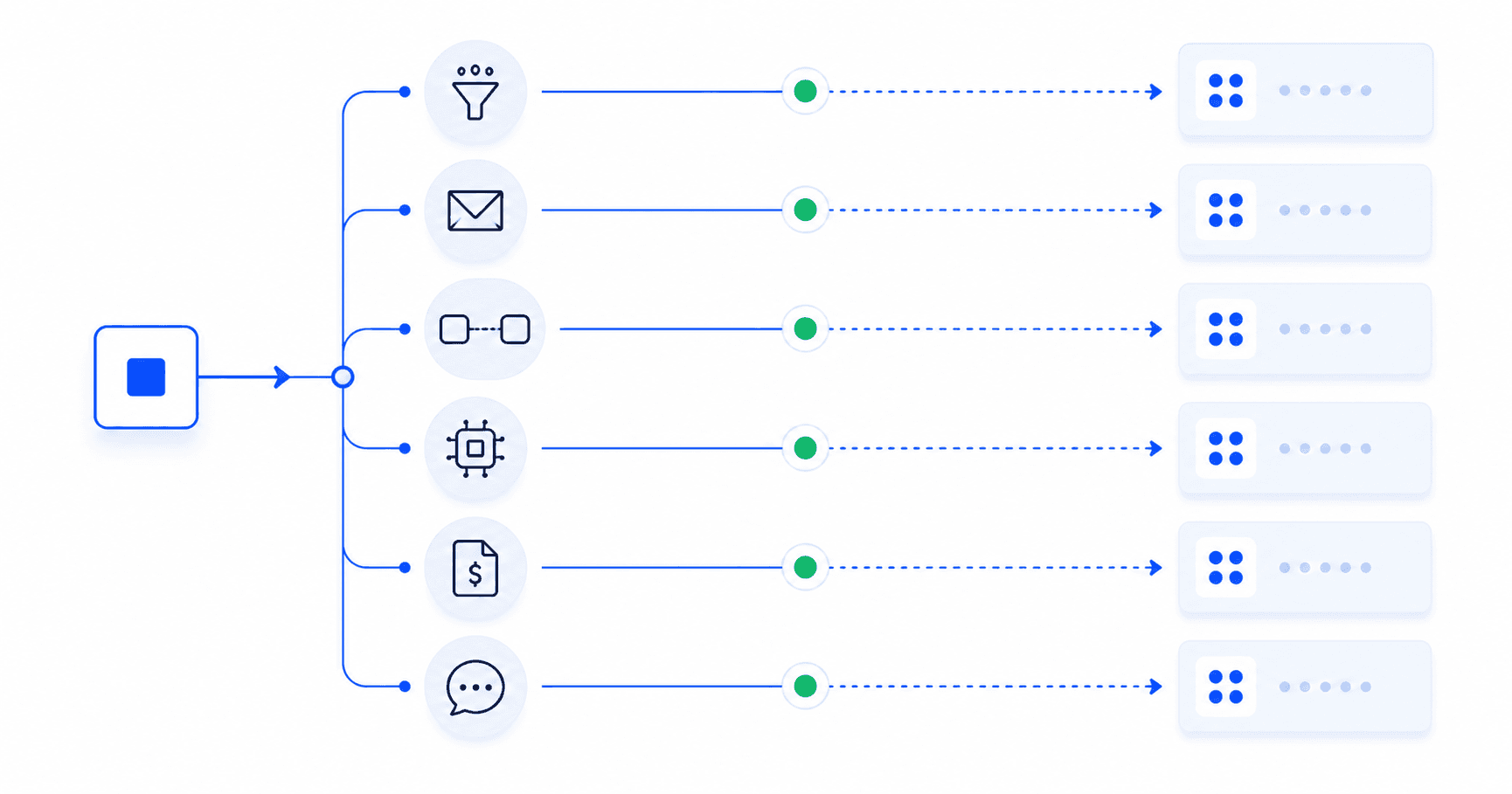
If you came here to pick a tool fast, this table maps the most common small business automation tasks to the tool that fits each one best:
| Your task | Best tool | Starting price |
|---|---|---|
| Track leads and deals | HubSpot CRM | Free |
| All-in-one for service business | Keap | $159/mo |
| Send marketing emails | Mailchimp or Brevo | Free / $9/mo |
| Connect two apps simply | Zapier | Free / $20/mo |
| Build complex multi-step workflow | Make | Free / $9/mo |
| Self-host your automations | n8n | Free (self-hosted) |
| AI agent for inbox or scheduling | Lindy.ai | $29/mo |
| Browser-based AI automation | Bardeen | Free / $15/mo |
| Pay vendor invoices | Bill.com or Ramp | $45/mo / Free |
| Accounting plus light AP | QuickBooks Online | $30/mo |
| Automate customer support | Intercom with Fin | $39/mo base |
| Custom workflow none of these handle | Plinthio (custom build) | $2K–$8K one-time |
What Should a Small Business Automate First?
If you're picking your first automation, pick one of these — they're the highest-ROI starting points for most small businesses:
- Lead capture to CRM. Forms on your site automatically create CRM records. Saves 5–10 minutes per lead and prevents leads from being missed entirely. Build time: 1–2 hours with Zapier and HubSpot.
- Email follow-up sequences. Three-email nurture after a lead signs up. Lifts conversion 20–40% over leaving leads cold. Build time: half a day in Mailchimp or Brevo.
- Invoice and payment reminders. Automated net-30 reminder emails. Improves cash flow by 5–15 days on average. Build time: 1–2 hours in QuickBooks or Bill.com.
- Customer support FAQ deflection. AI agent or chatbot handles the top 10 questions you get repeatedly. Reduces inbound by 40–60%. Build time: 1–3 days in Intercom Fin or a custom build.
- Meeting scheduling. Calendly, SavvyCal, or HubSpot Meetings handles back-and-forth scheduling. Saves 15+ minutes per booking. Build time: under an hour.
Pick one. Ship it. Then pick the next one. Trying to automate five things at once usually results in five half-finished automations and no working ones.
When Off-the-Shelf Automation Tools Aren't Enough
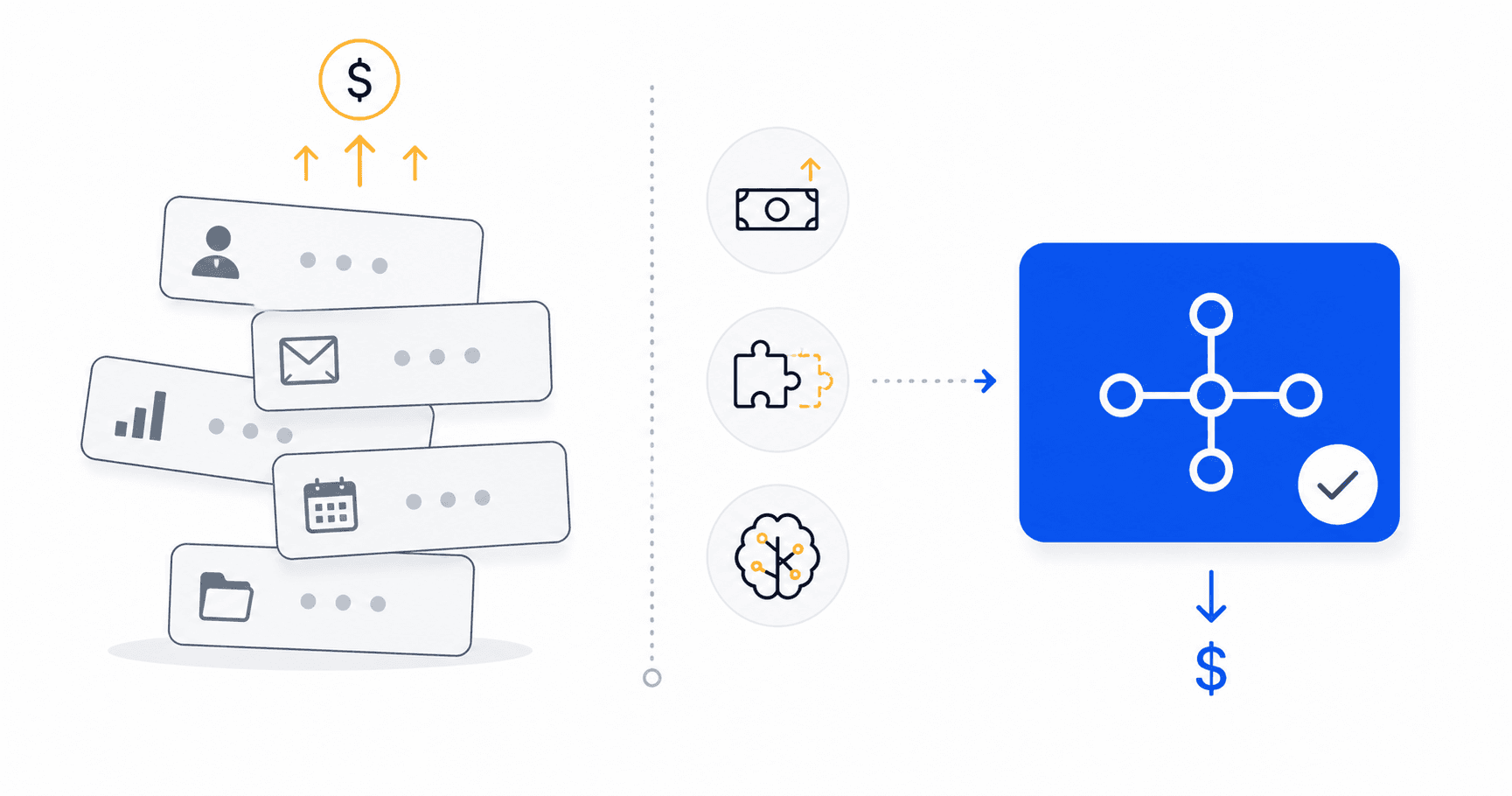
The 13 tools above will handle roughly 80% of small business automation needs. But three scenarios push you outside their limits:
You have a unique workflow. When your process doesn't map cleanly to HubSpot's data model or Zapier's app library — say, you need to pull data from a legacy system, run it through custom business logic, and push results to a Slack channel with conditional formatting — the SaaS tools can do part of it but not all of it. Custom code can.
You're paying more than you should. A typical small business with 10+ automations across 5 SaaS tools spends $800–$1,500 per month on automation subscriptions. Once that bill exceeds $1,000/month, custom automation pays for itself within 6–12 months. A one-time $5,000 build replaces $400/month of recurring tool spend, plus you own the IP.
AI judgment is the bottleneck. When your automation needs to interpret messy input — categorize emails by intent, extract structured data from unstructured documents, decide which client request needs human review — off-the-shelf tools fall back on rigid rules. AI-native custom builds handle ambiguity in a way Zapier and Make can't, even with their AI features bolted on.
This is where Plinthio fits in. We build fixed-price custom automations — single workflows for $2,000–$8,000, delivered in 5–12 days. The work typically pays for itself by replacing 3–5 SaaS subscriptions or saving 5–15 hours per week of manual work.
How to Choose the Right Automation Tool
Six questions to ask before signing up for any of the tools above:
- What specific task am I trying to automate? Tools optimized for "everything" usually do nothing especially well. Pick a tool that excels at your specific bottleneck.
- How many tasks per month? Most tools price per task or per operation. A workflow that runs 1,000 times per month costs very differently on Zapier vs. Make vs. n8n.
- Does it integrate with what I already use? Check the integration list before signing up. "Custom API integration" sounds simple but adds 20+ hours of setup.
- What happens at year 2 of growth? Many SaaS tools price aggressively in year 1 to lock you in. Run the math at 5x your current contacts, users, or volume.
- Can I export my data if I leave? If the answer isn't "yes, in standard formats," reconsider.
- Who maintains this when it breaks? Off-the-shelf SaaS breaks less often but is harder to debug when it does. Custom builds break more visibly but you (or your agency) can actually fix them.
How Plinthio Fits In
Plinthio is a solo-operator AI automation agency. We don't sell software — we build custom automations for small businesses that have outgrown off-the-shelf tools or need a workflow none of the 13 tools above quite covers.
What that looks like:
- Fixed price quoted in writing before any work starts ($2K–$8K typical)
- 5–12 day delivery for single-workflow builds
- Integration with your existing stack — you keep using HubSpot, Zapier, QuickBooks, whatever; we build the missing pieces
- Full IP transfer on delivery — code, prompts, infrastructure are yours
- 14 days of free post-launch fixes included
Common Plinthio engagements that follow on from this article:
- Replacing 3+ overlapping SaaS tools with one custom workflow
- Adding AI judgment to an existing Zapier or Make workflow
- Building automation for a workflow Zapier can't handle (legacy systems, custom logic, unique data sources)
- Building an AI agent for a specific high-volume internal process
Frequently Asked Questions
What are the best automation tools for small business in 2026?
The best automation tools for small business in 2026 are HubSpot (CRM), Mailchimp or Brevo (marketing), Zapier or Make (workflow integration), Lindy or Bardeen (AI agents), Bill.com or Ramp (accounts payable), and Intercom (customer support). Most small businesses use 3–5 of these tools in combination rather than one platform that tries to do everything.
What's the cheapest automation tool for a small business?
Zapier, Mailchimp, Brevo, HubSpot CRM, and Bardeen all have free tiers that are genuinely usable for a real small business. For total $0 cost, self-hosting n8n gives you unlimited workflows. Ramp is free for spend management because it makes money from card interchange instead of subscription fees.
How much does it cost to automate a small business?
A small business spending nothing on automation today typically reaches $200–$500 per month in SaaS automation subscriptions within 12 months of starting. Custom automation builds (replacing or augmenting SaaS) range from $2,000–$15,000 one-time, with no monthly fees beyond the underlying APIs.
Is Zapier or Make better for small business?
Zapier is better for simple two-app automations and has more integrations (7,000+ vs. ~1,500+). Make is better for complex multi-step workflows with branching logic, error handling, and conditional routes — typically at lower cost per operation. Most small businesses start with Zapier and migrate to Make once they need conditional logic or hit Zapier's pricing ceiling.
What is an AI automation tool, and how is it different?
AI automation tools (Lindy, Bardeen, Intercom Fin, Make's AI features) use large language models to handle steps that require judgment — interpreting emails, categorizing fuzzy data, generating responses. Traditional automation tools (Zapier, Make's rule-based features) follow rigid logic. AI tools handle ambiguity; rule-based tools don't.
Should I use multiple automation tools or just one?
Most small businesses use 3–5 tools in combination because no single tool is excellent at everything. A typical stack: HubSpot (CRM), Mailchimp (email), Zapier (integration), QuickBooks (accounting), Intercom (support). Trying to force everything into one platform usually means accepting one tool's mediocre version of three other tools.
When should I hire someone to build custom automation instead of using tools?
Three signals indicate you've outgrown off-the-shelf automation: (1) your SaaS automation bill exceeds $1,000 per month across 5+ tools, (2) your workflow doesn't map cleanly to any off-the-shelf tool, or (3) you need AI judgment in steps where rule-based tools fall back on rigid logic. Custom builds typically pay back within 6–12 months in this scenario.
Can small businesses use AI automation in 2026?
Yes — AI automation is more accessible to small businesses in 2026 than it has ever been. Tools like Lindy ($29/mo) and Bardeen ($15/mo) make AI agents usable without technical expertise. Custom AI automations from agencies like Plinthio start at $2,000 and ship in 5–12 days. The barrier is no longer cost or complexity — it's deciding which workflow to automate first.
Ready to Automate Your Business?
If the tools above don't quite fit your business, or you want a custom workflow built around your specific operations, Plinthio can help. Pick the path that fits how you prefer to work:
- Chat with Aria — a 5-minute conversation that produces a written proposal in minutes. Best if you want to think out loud and refine the scope as you go.
- Submit a quote request — a short form with your project details. Best if you already know what you want built. Written proposal back within 24 hours.
Both create a Lead in Plinthio's system, both produce a written proposal at no cost, both result in a fixed price quoted before any work starts. No discovery calls, no waiting on a sales team.